Layer System
Stack layers like a painter. Buildings first, then roads, then trees. Each layer respects the ones above it.
What Is a Layer?
A DecorationLayer is a single scatter operation: what to place, where, how many, and what rules to follow. A forest is one layer. A rock field is another. A row of fence posts is a third. Stack them to build a complete world.
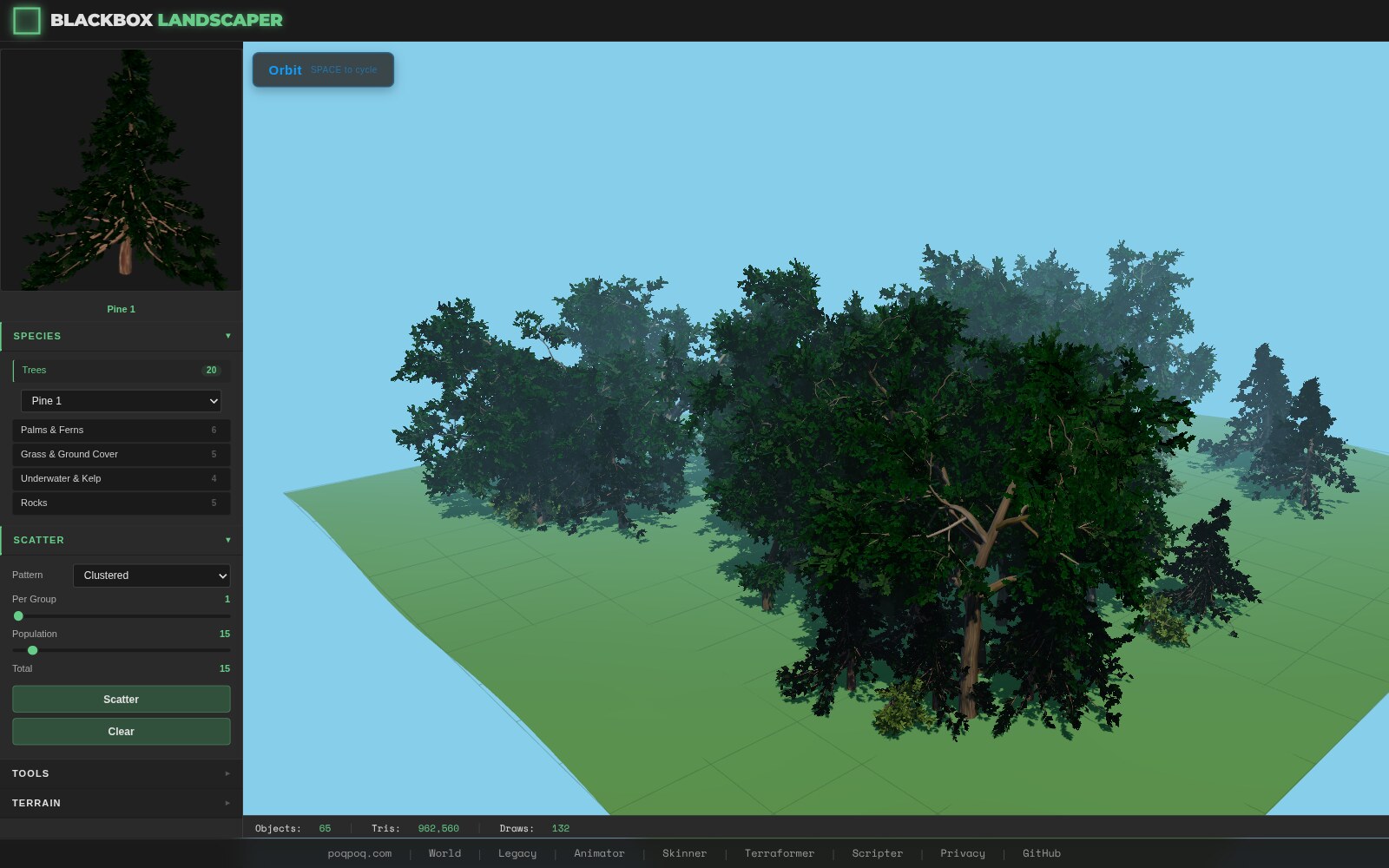
scatter() call adds to what's already there — oaks, then plumeria, then pines — without disturbing earlier placements.Layer Definition
{
  "id": "pine-forest",
  "name": "Pine Forest",
  "instanceTypes": [
    { "speciesId": "pine", "weight": 0.6, "scaleMin": 0.8, "scaleMax": 1.2 },
    { "speciesId": "spruce", "weight": 0.3, "scaleMin": 0.7, "scaleMax": 1.1 },
    { "speciesId": "fir", "weight": 0.1, "scaleMin": 0.9, "scaleMax": 1.3 }
  ],
  "algorithm": "poisson",
  "count": 200,
  "minDistance": 5,
  "constraints": [
    { "type": "slope", "maxDegrees": 30 },
    { "type": "height", "minHeight": 10, "maxHeight": 80 }
  ],
  "priority": 10,
  "excludesLayers": ["buildings"]
}
Layer Properties
| Property | Type | Description |
|---|---|---|
id | string | Unique identifier for cross-layer references |
name | string | Display name shown in UI panels |
instanceTypes | array | Pool of object types with probability weights |
algorithm | string | poisson, clustered, density, or grid |
count | number | Target number of instances to place |
minDistance | number | Minimum spacing between instances (meters) |
constraints | array | Terrain-aware filters (slope, height, exclusion) |
priority | number | Higher priority layers place first |
excludesLayers | string[] | Layer IDs whose placements this layer avoids |
Instance Types
Each layer defines a pool of instance types. When placing an object, one type is selected randomly based on weight. This creates natural variety — a forest layer might be 60% pine, 30% spruce, 10% fir.
| Property | Type | Description |
|---|---|---|
speciesId | string | Species registry lookup (e.g. "oak", "boulder") |
generator | string | Procedural generator ID ("ez-tree", "rock") |
assetPath | string | Path to pre-made GLB model (alternative to generator) |
weight | number | Probability weight (0–1). Weights are normalized per layer |
scaleMin | number | Minimum random scale (default 0.8) |
scaleMax | number | Maximum random scale (default 1.2) |
rotationRandomY | boolean | Randomize Y-axis rotation (default true) |
yOffset | number | Vertical offset from ground (e.g. floating objects) |
Priority & Exclusion
Layers are processed in priority order — highest priority first. Each placed instance becomes an exclusion zone for subsequent layers that list it in excludesLayers. This ensures buildings get first pick of the terrain, roads fill in around them, and trees avoid both.
// Layer priority example
const layers = [
  { id: "buildings", priority: 100, ... },  // Place first
  { id: "roads",     priority: 50,  ... },  // Avoid buildings
  { id: "trees",     priority: 10,  excludesLayers: ["buildings", "roads"] },
  { id: "flowers",   priority: 5,   excludesLayers: ["buildings", "roads", "trees"] }
]
Multi-Layer Pipeline
- Sort by priority — Highest priority layers scatter first
- Generate candidates — Each layer runs its scatter algorithm independently
- Cross-layer exclusion — Remove candidates near higher-priority placements using spatial hash grid
- Apply constraints — Filter by slope, height, exclusion zones
- Select instance types — Weighted random selection from the layer's pool
- Randomize transforms — Scale range, Y rotation, Y offset
- Register placements — Store positions for lower-priority layers to avoid
Cross-layer exclusion uses a spatial hash grid for O(n) performance. Cell size equals minDistance. For each candidate, only the 3×3 neighborhood of cells is checked — no need to compare against every placed object.
Biome Compositions
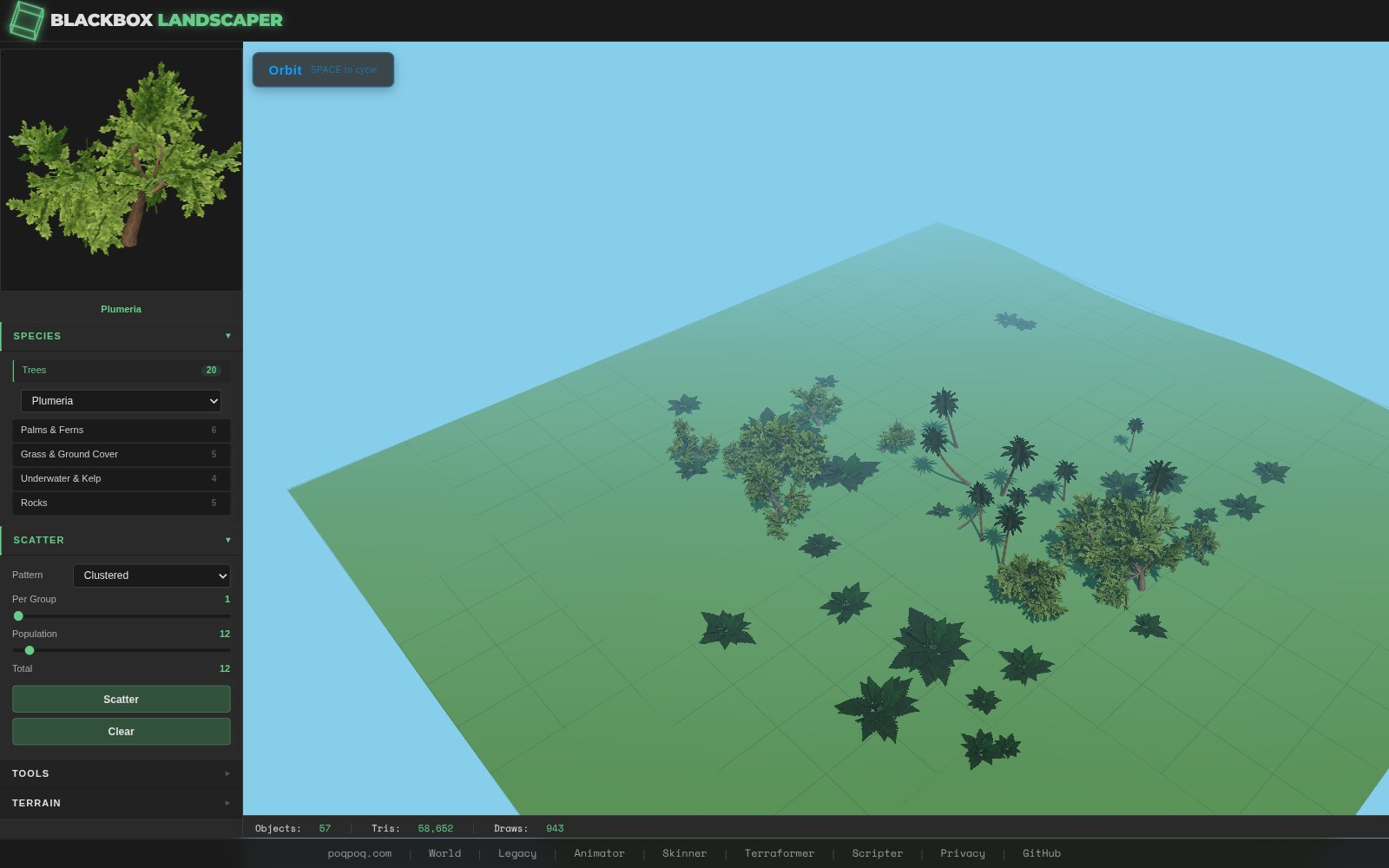
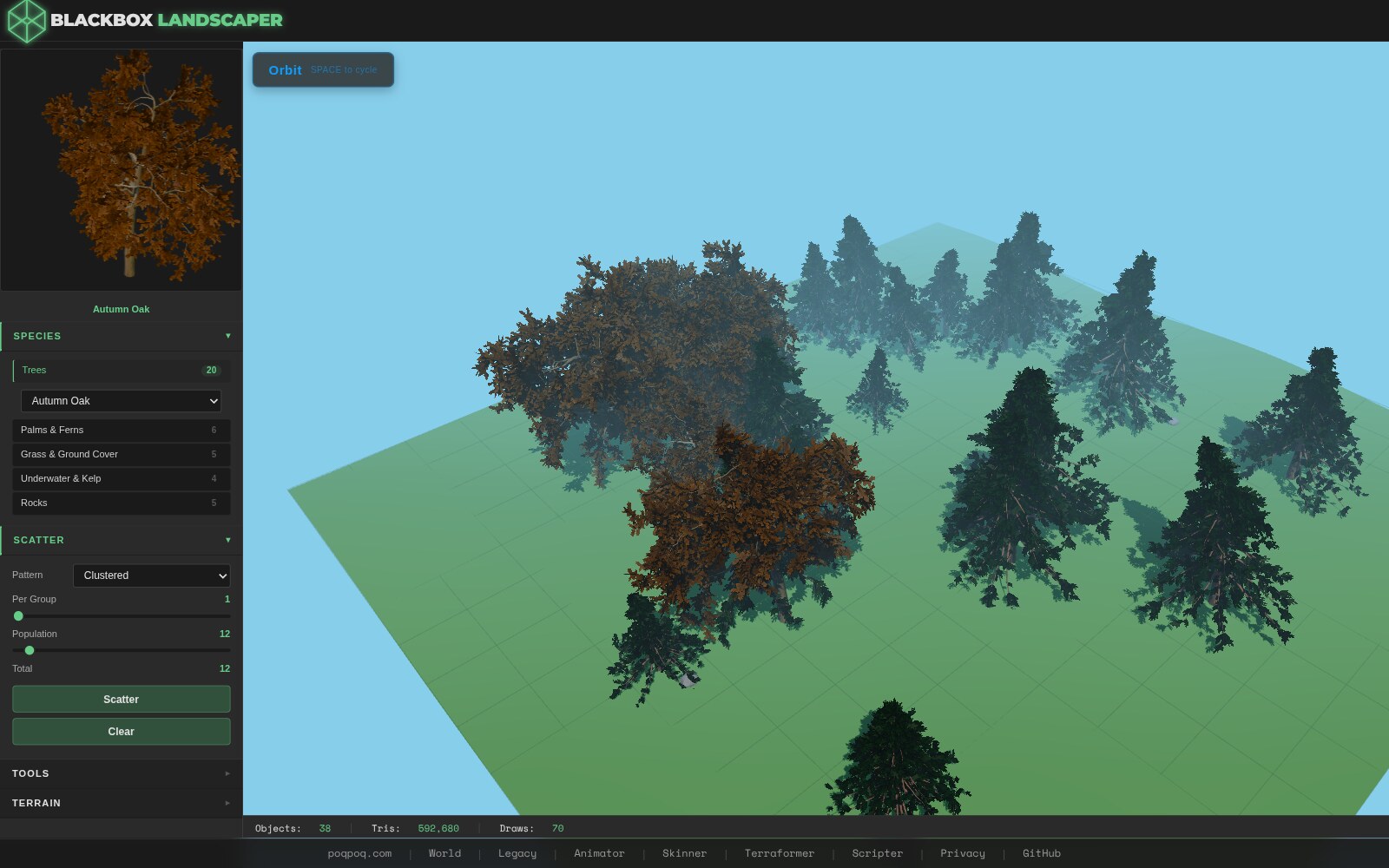
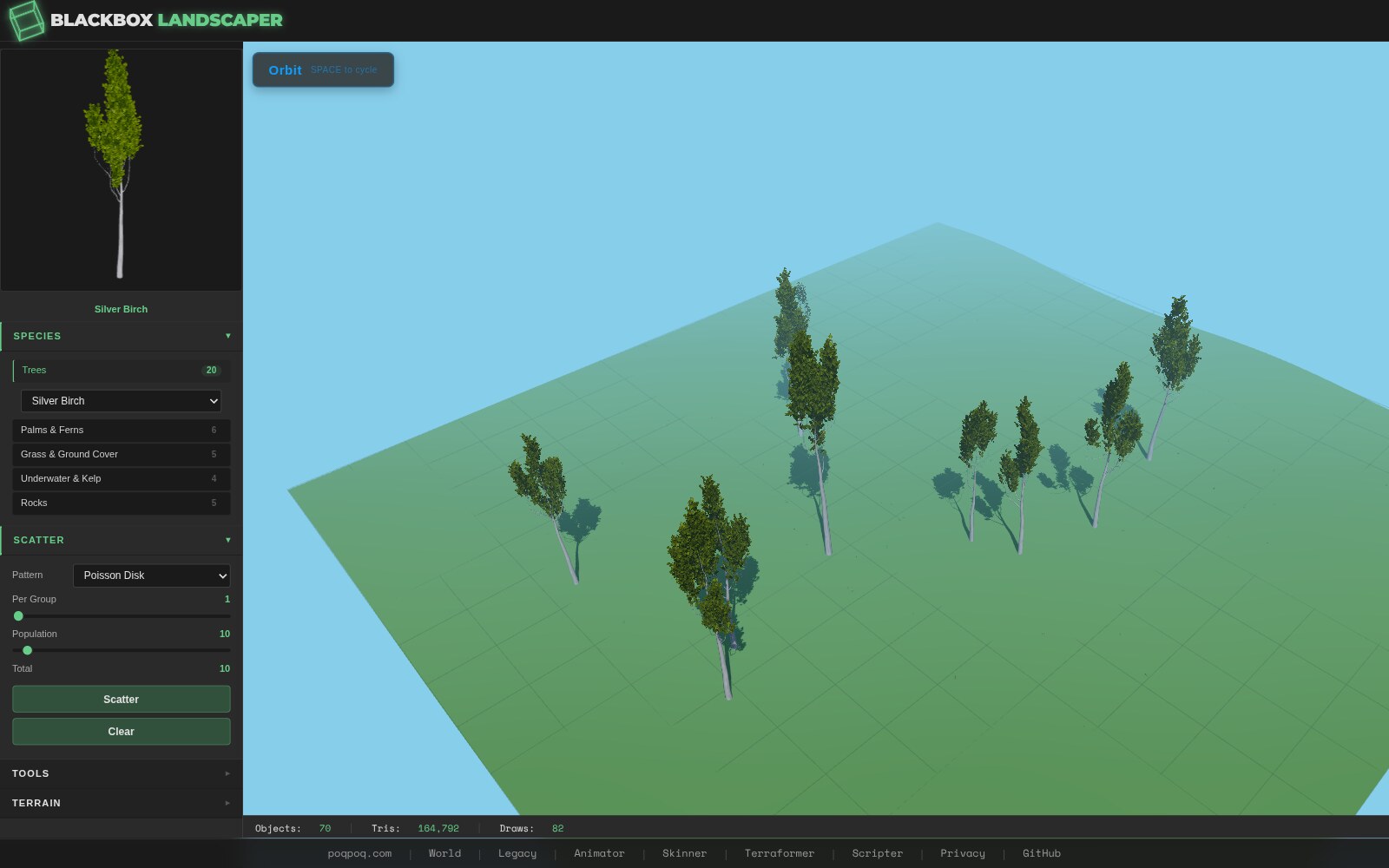
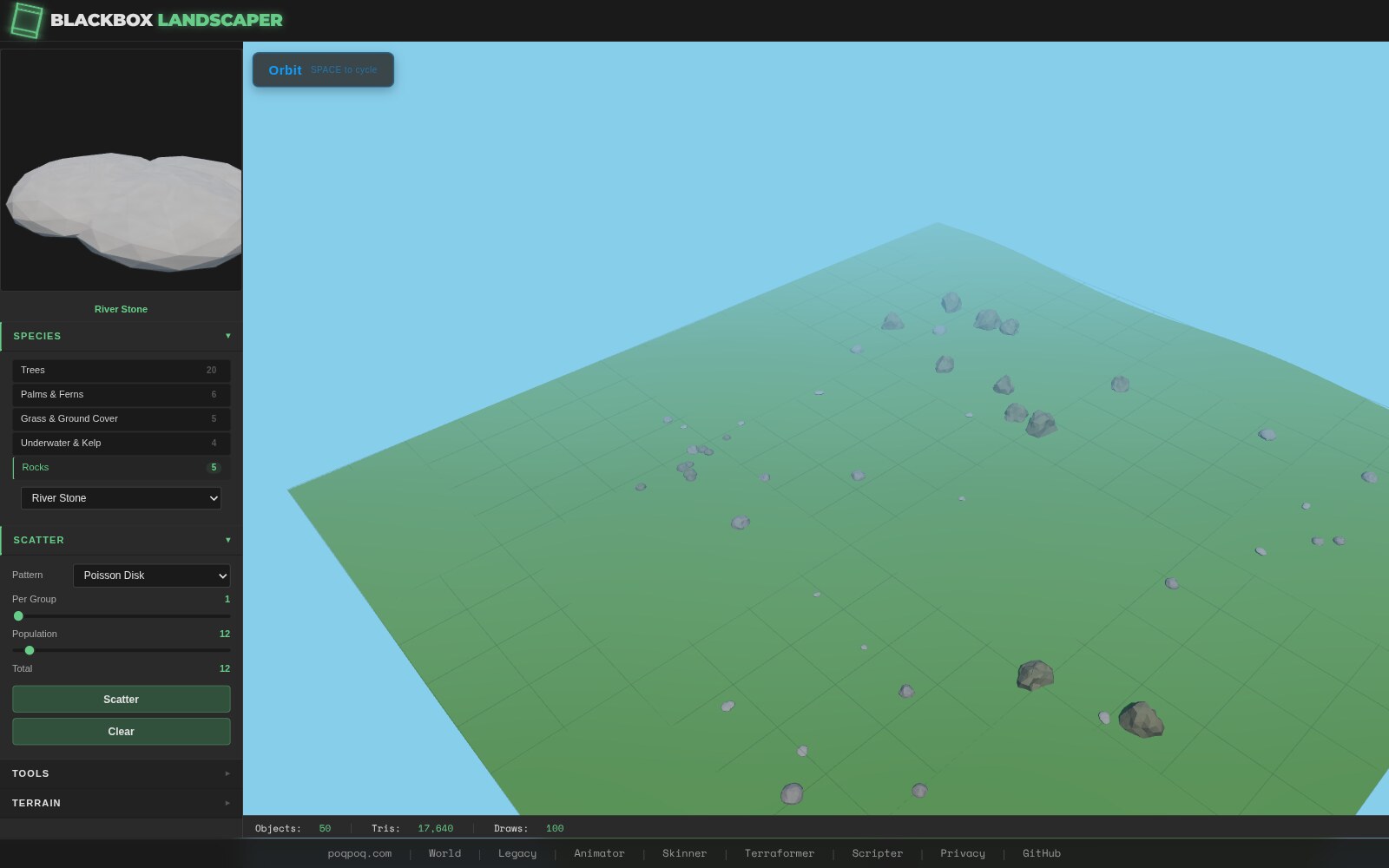
Layered scatters are how biomes are built. Each composition below uses 3–5 successive scatters — ground cover or rocks first, then mid-layer flora, then accent species — on the same procedural terrain, same camera. The variety comes from which species, which algorithm, which population, not from any biome-specific code path.
Single vs Multi-Layer
| Method | Use Case | Cross-Exclusion |
|---|---|---|
scatter(layer) | One layer in isolation | No |
scatterLayers(layers) | Multiple layers together | Yes |