Black Box Landscaper
Procedural world population. In your browser.
Scatter trees, rocks, NPCs, and particles across any terrain. Layer by layer.
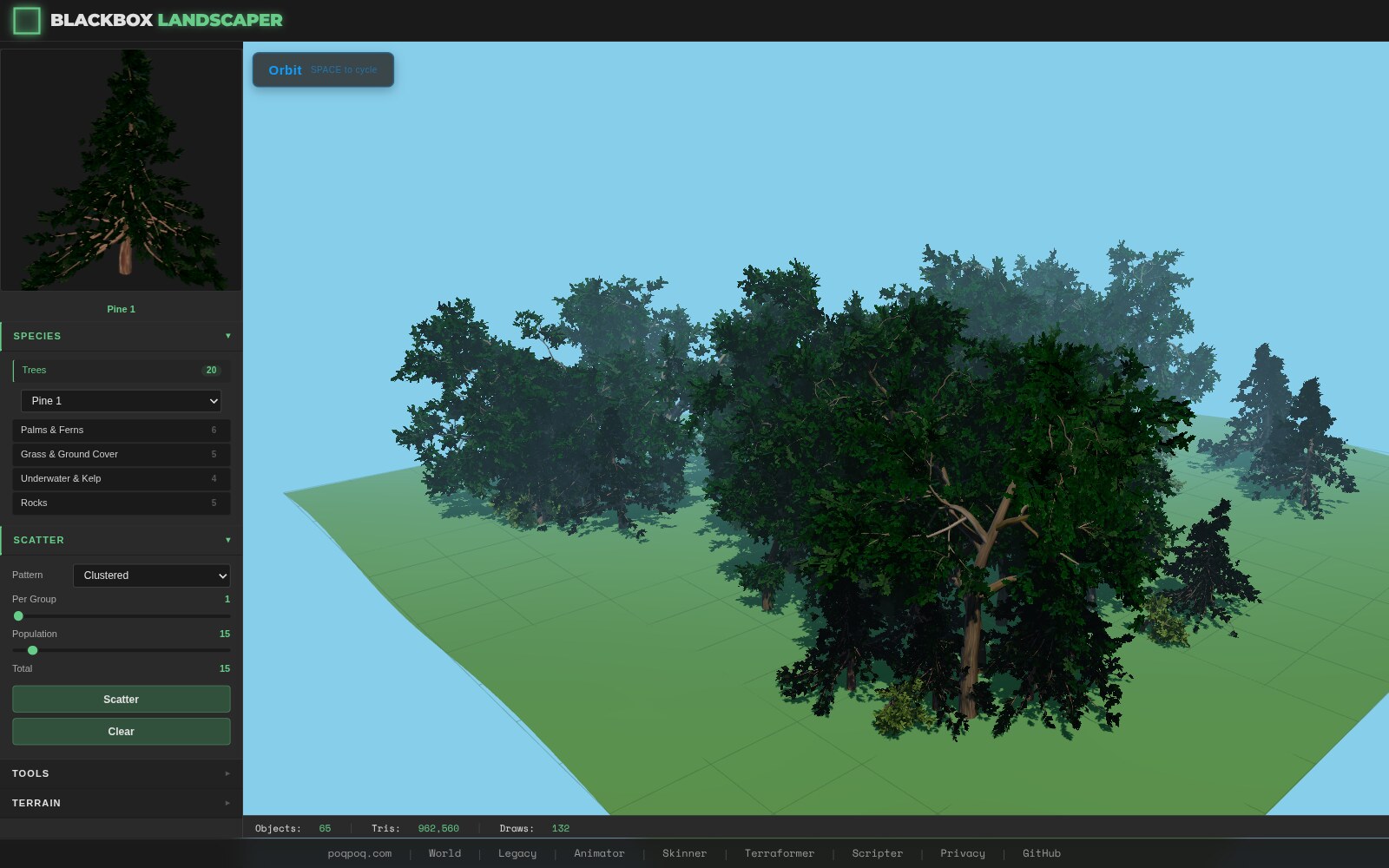
Scatter Algorithms
Poisson disk sampling, natural clustering, density maps, and grid placement. Four algorithms for every distribution pattern nature throws at you.
Learn scatter →26 Species
L-system procedural trees (pine, oak, cypress, palm, bush), procedural rocks, and billboard generators. Every species is customizable down to bark texture and leaf count.
Explore species →World Integration
Paint vegetation inside poqpoq World. Terrain-aware placement, brush tools, and one-click manifest persistence via the NEXUS bridge.
See World workflow →Forest in Three Steps
- Define a Layer Pick a scatter algorithm (Poisson disk for natural spacing), select species (pine trees, rocks, bushes), set a count (200 trees), and add constraints (slope < 30°, elevation 10–80).
- Scatter Hit scatter. The system places instances across your terrain, respecting slope limits, height ranges, and exclusion zones. Each instance gets a position, rotation, and scale — ready to render.
- Render or Export Instances appear as instanced meshes in the viewport — hundreds of trees in a single draw call. Export the manifest as JSON or push it to poqpoq World.
What's in the Toolkit
Getting Started
Layers, scatter, render
Scatter Algorithms
Poisson, clustered, density, grid
Species & Generators
Trees, rocks, billboards
Terrain Constraints
Slope, height, exclusion zones
Layer System
Multi-layer, priority, cross-exclusion
Interactive Brushes
Paint, erase, select, transform
World Integration
NEXUS iframe pipeline
Export
JSON manifests, World push
API Reference
Public classes and types