Getting Started
From empty terrain to living forest in minutes. No install. No plugins. Just scatter.
What You Need
- Chrome or Edge — recommended for best WebGL performance
- A terrain — Landscaper needs something to scatter onto. Generate one in Terraformer or load a heightmap
- A decent GPU — hundreds of instanced trees need some GPU headroom
Two Ways to Use Landscaper
🌐 Standalone Mode
Navigate to poqpoq.com/landscaper. Full access to all features. Load any heightmap, scatter as many layers as you want, export manifests.
Best for: Experimentation, asset creation, library development.
🌎 poqpoq World Mode
Launched from inside poqpoq World. Terrain data arrives via postMessage. Save manifests back to the world with one click.
Best for: Populating terrain inside your world space.
Your First Scatter
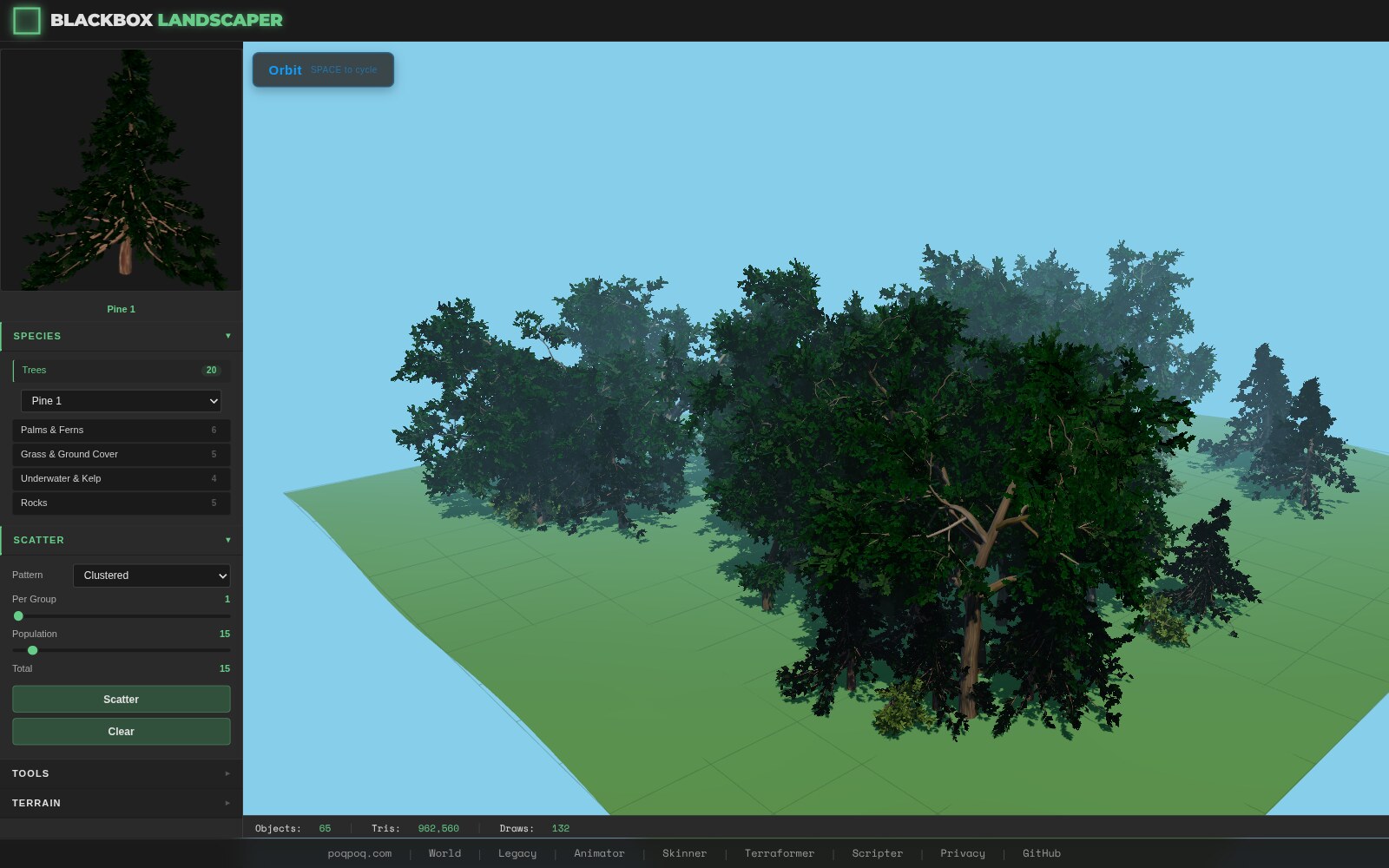
- Open Landscaper Navigate to poqpoq.com/landscaper. A procedural terrain loads automatically in standalone mode.
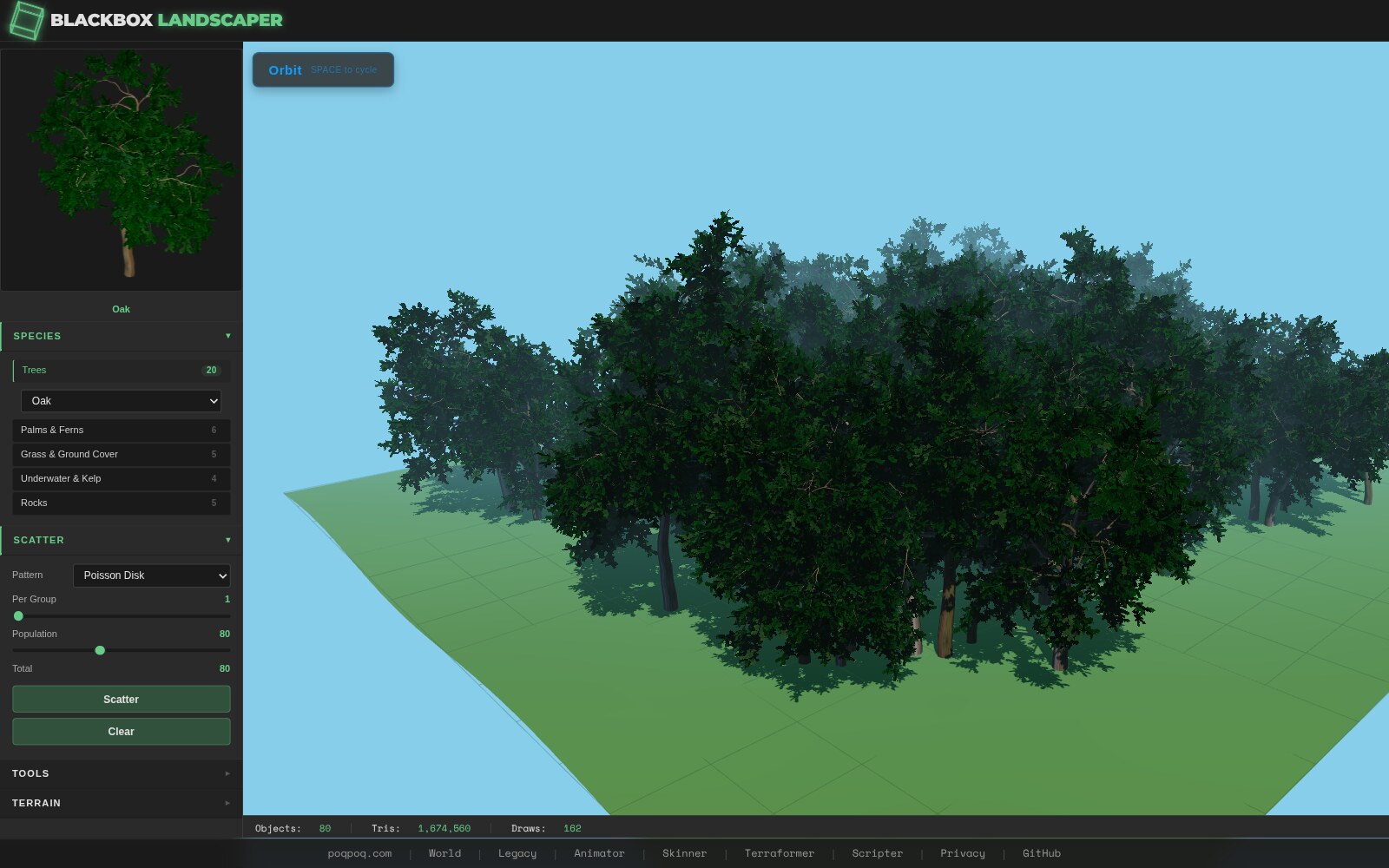
- Define a Layer In the layer panel, create a new decoration layer. Pick Poisson Disk as the algorithm, select Pine Tree as the species, set count to 200, and add a slope constraint (< 30°).
- Scatter Hit the scatter button. 200 pine trees appear across the terrain, naturally spaced, respecting the slope constraint. Each one is a procedural L-system tree — unique but coherent.
- Refine with Brushes Grab the paint brush to add trees in sparse areas, or the eraser to clear them from paths and clearings. Select individual trees and use the transform gizmo to adjust.
- Export Save the vegetation manifest as JSON, or push it to poqpoq World if you're in embedded mode.
✅ Pro Tip
Start with a single species and one layer. Once you understand the scatter → constrain → render pipeline, add layers for rocks, bushes, and flowers. Cross-layer exclusion ensures nothing overlaps.